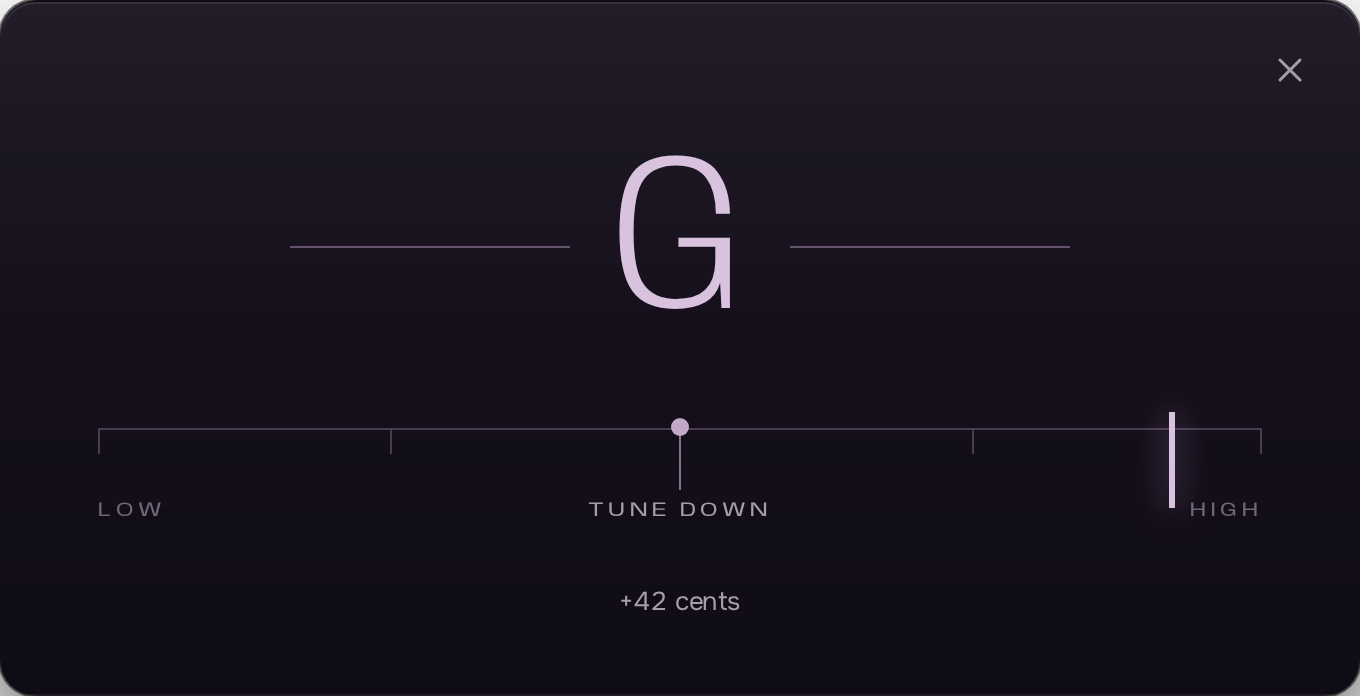
Tuner
Chromatic, to the cent, unaffected by latency. Tune to the song before the first take.
Everything a guitar cover needs, in one place.
The tab, the song, the tone and the take, played through ASIO at your interface’s lowest latency. No plugin, no DAW, no account.
Free
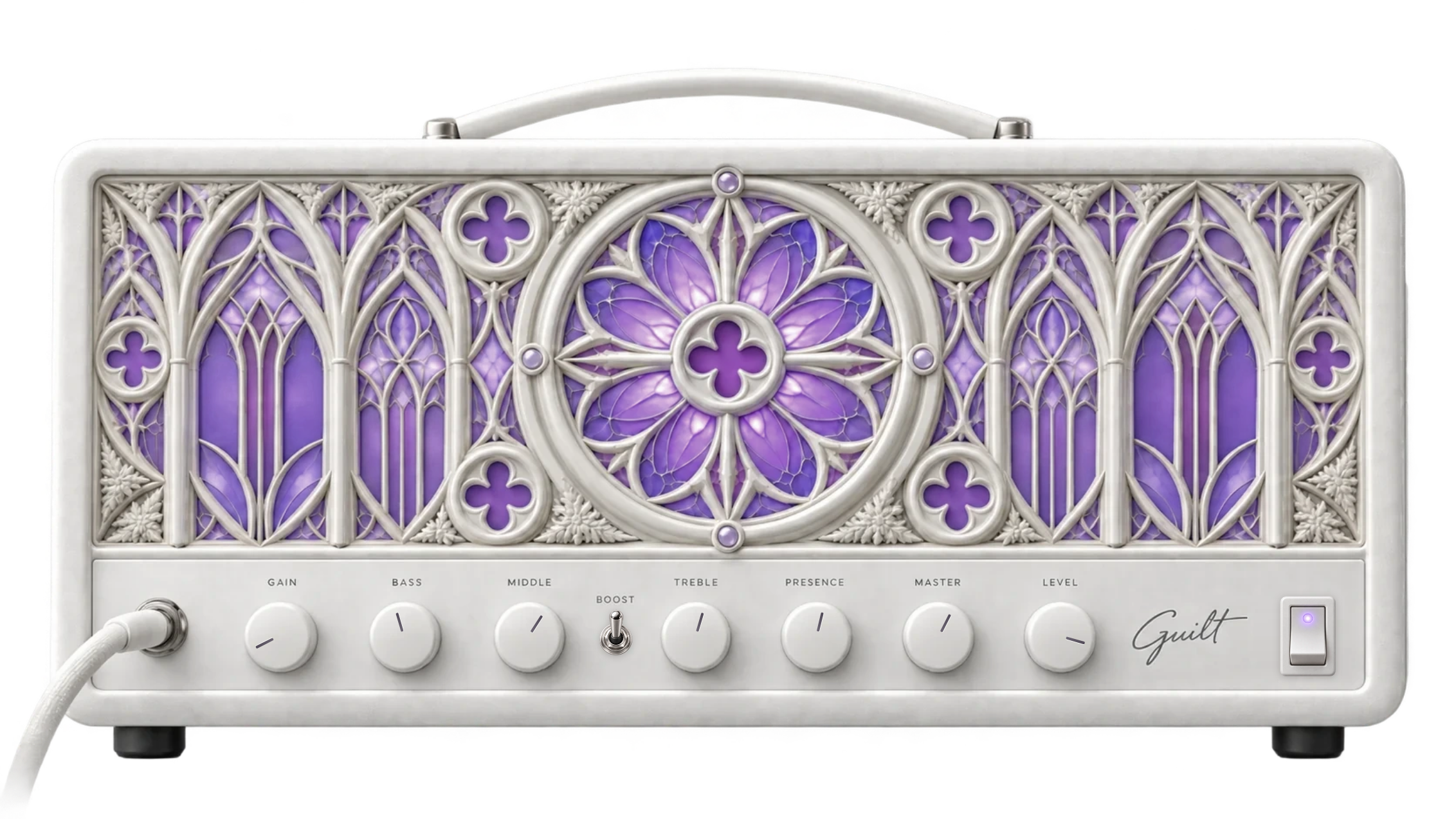
Overview
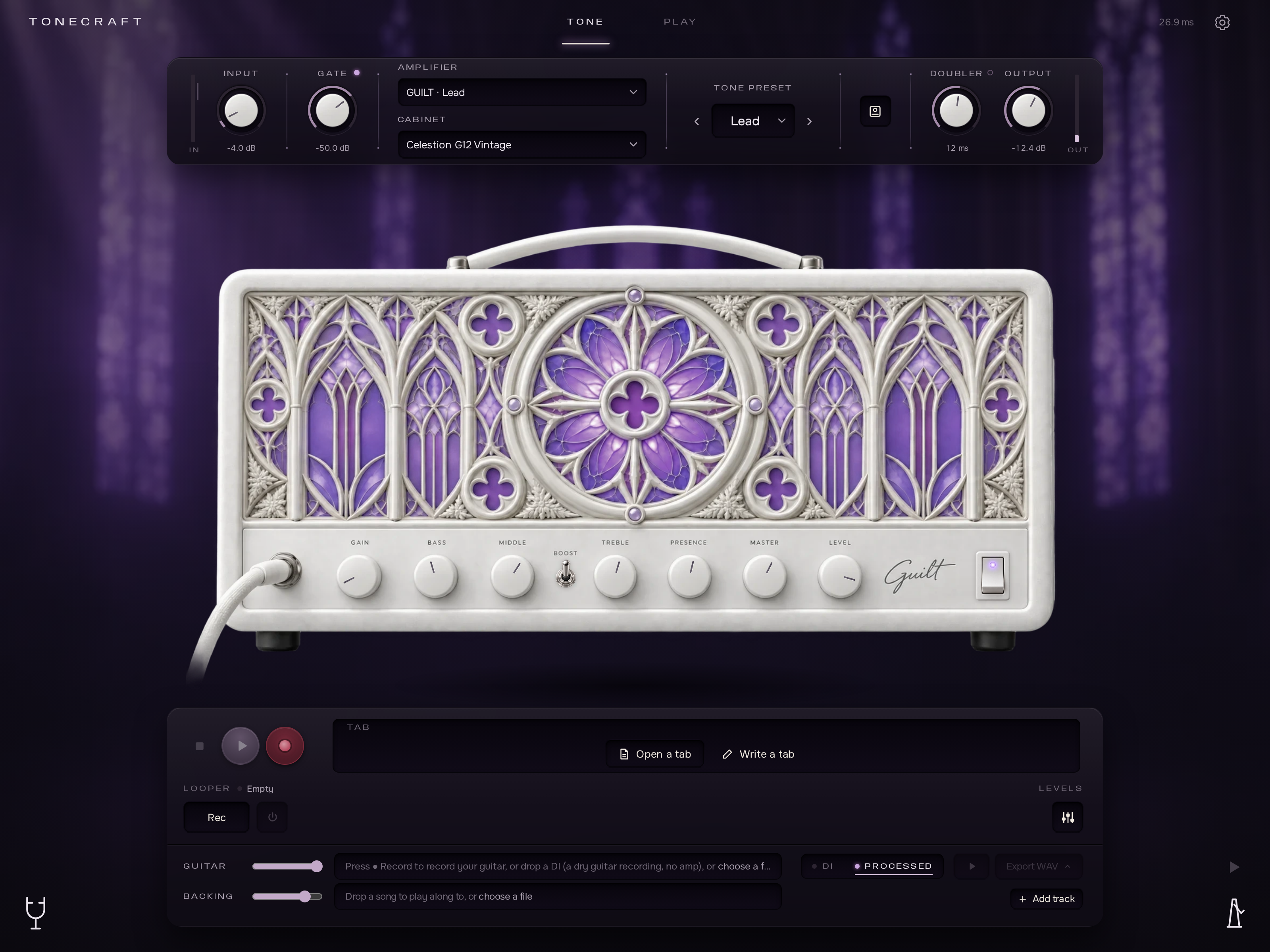
A cover takes five tools: something to read the part, the song to play over, a tone that fits it, a way to work the hard bars, and a recorder. Tonecraft is all five, on one screen, on one clock. Your settings stay on your computer. A tone is shared as a link.
Tonecraft Engine · ASIO
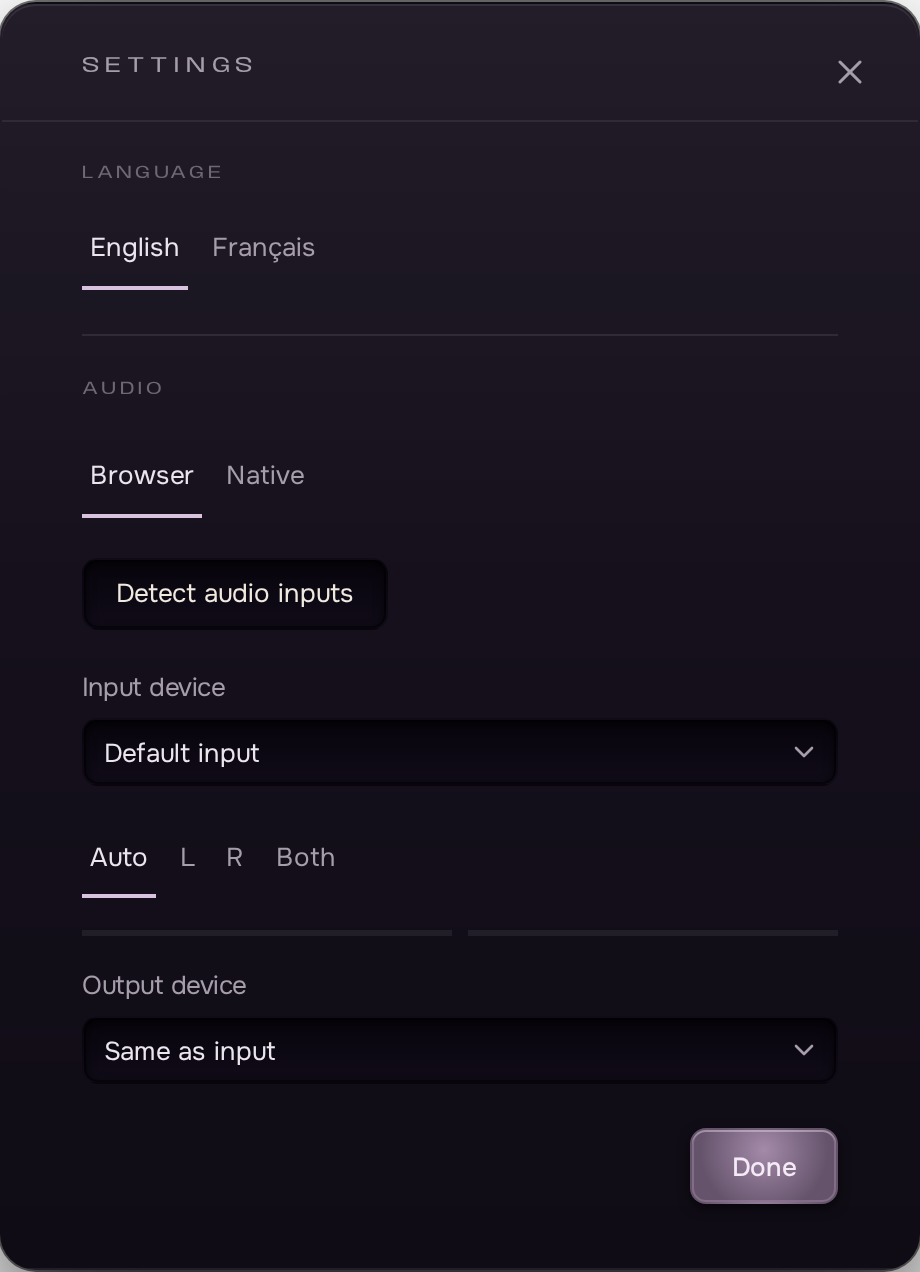
Tonecraft Engine opens your interface’s ASIO driver and runs the chain at its lowest buffer: the note leaves the amp as the pick leaves the string. A small free program by the clock, offered from the studio’s audio settings. Everything is still set in Tonecraft.
The same chain, bit for bit, as in the browser, which stays available on a computer where nothing can be installed.
ASIO · WASAPI · CoreAudio · ALSA
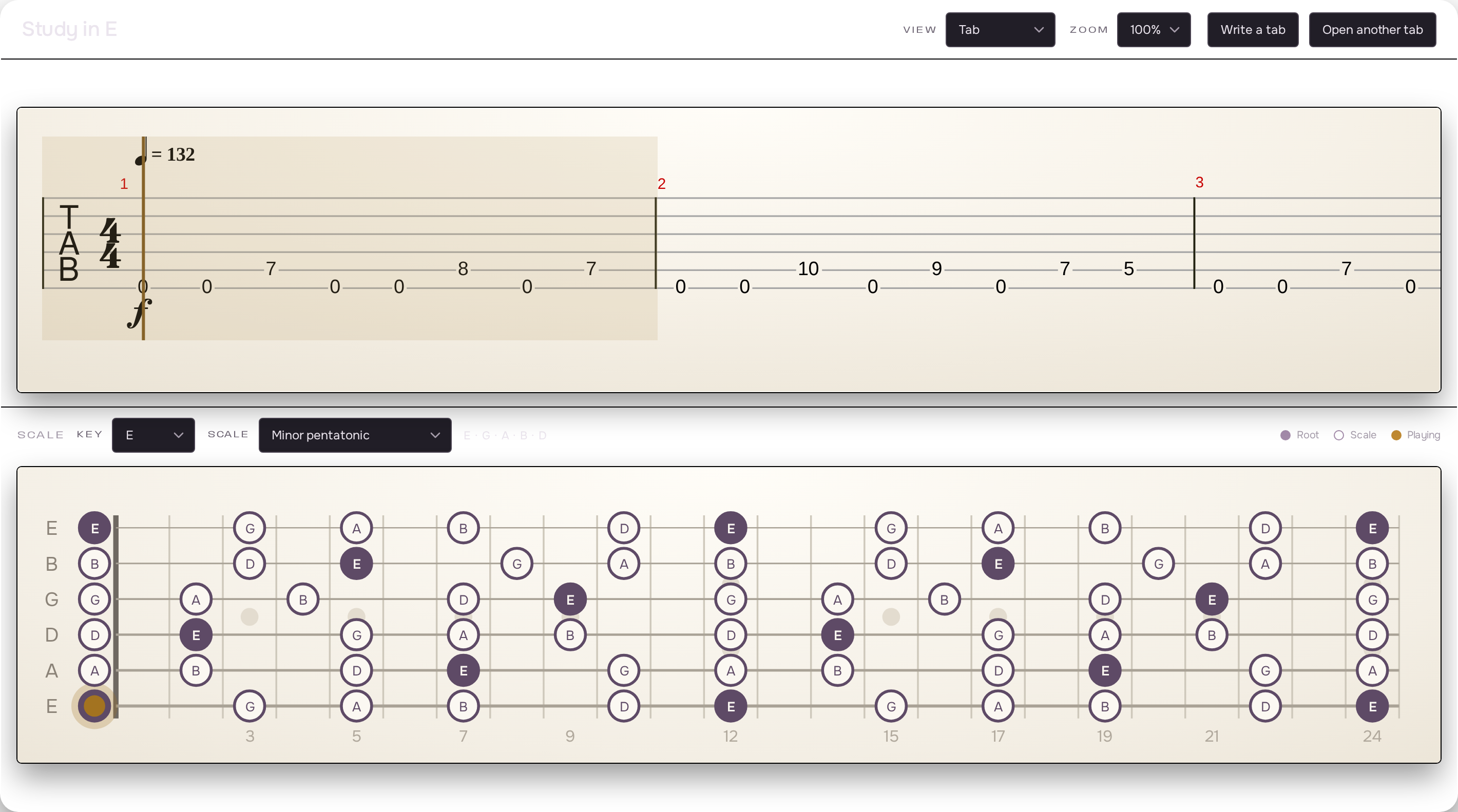
Tab reader
Guitar Pro, MusicXML and more open right in the page. The score scrolls under a fixed playhead, the neck below lights the notes, and the band plays with you: slowed down, looped on the hard bars, or with your part muted. Write your own tabs too: type a fret, hear the note.

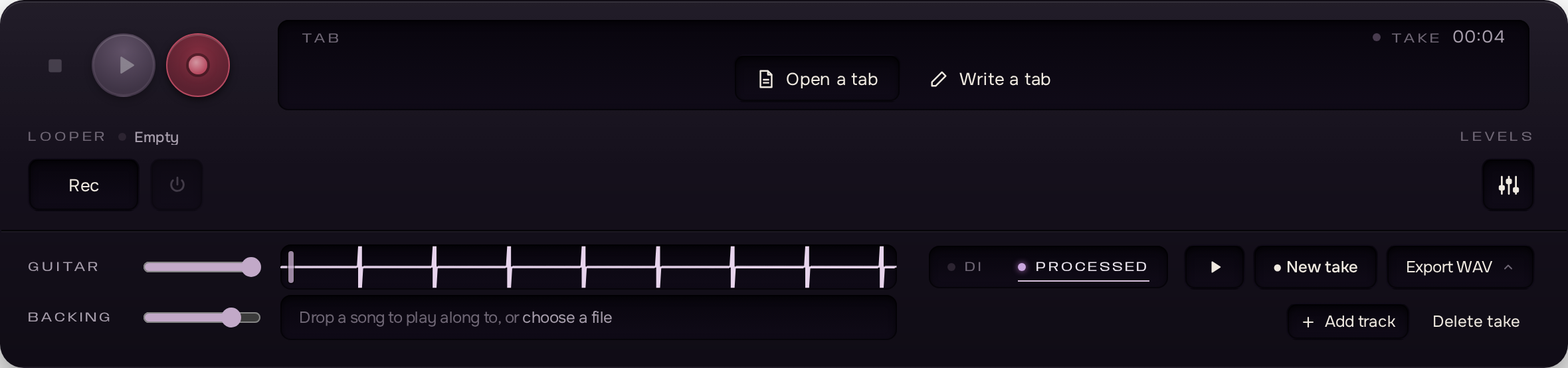
Backing track · Recorder · Looper
Drop the song in as a backing track and record your part over it. The recorder keeps the dry guitar, so a take can be exported tomorrow through another tone, aligned to the sample with the song. The looper records what you hear and plays it back under you, to work a riff until it holds.
Amplifier
The lead amplifier is a neural capture of a real high-gain head. Four community captures of high-gain heads sit next to it.
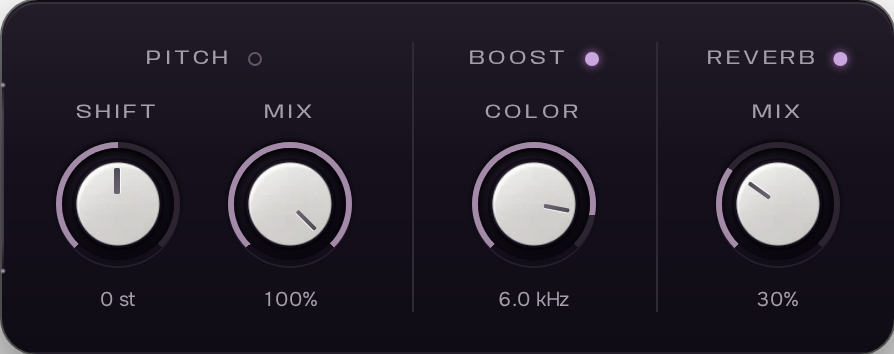
Around the amp
A short chain in a fixed order, tuned so that the first sound is already the right one.

Cabinet
Each capture comes with a cabinet. Load any impulse response from your disk to replace it: WAV, AIFF or FLAC, convolved inside the chain with zero added latency.
Chromatic, to the cent, unaffected by latency. Tune to the song before the first take.
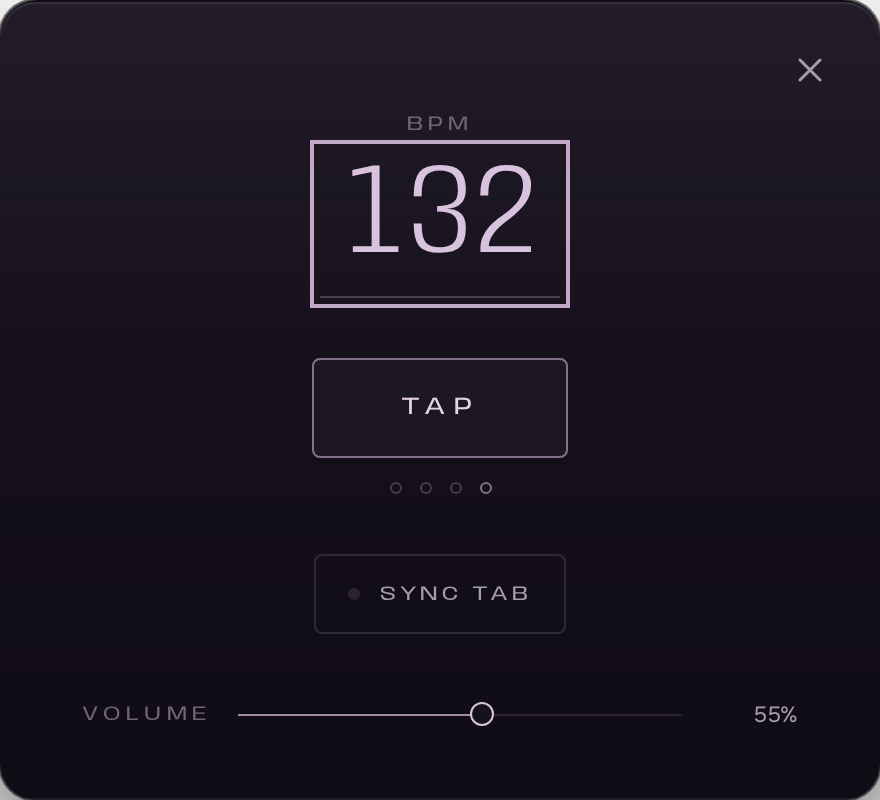
Tempo, time signature, tap. The click is never printed into a loop or a take.
| Browser | Tonecraft Engine | Browser only |
|---|---|---|
| Chrome / Edge | Yes | Yes |
| Firefox | Yes | Yes, default output |
| Safari | No | Yes, higher latency |
| Mobile | No | No |
A guitar, an interface and Tonecraft. The tab reader, the backing track, the amp and the recorder are on the same page, and the export is a WAV.
With Tonecraft Engine and ASIO, as low as your interface allows. In the browser alone it depends on the system. The round trip is measured and always on screen.
Yes. No account, no subscription, no trial.
Guitar Pro 3 to 7, GPX, MusicXML, Capella and alphaTex. Files are read on your computer, never uploaded.
Only Tonecraft Engine, for ASIO, offered in the studio’s audio settings. Everything else is in Tonecraft.
No. Audio is processed on your computer and never leaves it.
Yes. A tone is a link: whoever opens it hears the same settings.
Open the studio, plug in, load the tab.
Open the studio